
Live or Not
Follow live sellers without turning your workday into a notification feed
Build a small live-selling watchlist, decide which alerts deserve attention, and use per-creator muting without losing sight of active shows.
Decide what deserves an interruption
An alert is useful when it helps you make a decision. For live shopping, that might mean catching a creator who regularly sells the category you collect, joining a show’s opening conversation, or seeing an item demonstration before you decide whether it is relevant. Following every possible account makes those useful signals harder to notice.
Start by writing down the two or three creators you would actually stop work to watch. A small list also makes it easier to evaluate whether alerts are arriving at useful times. Review it when your interests change instead of allowing an old list to become permanent background noise.
Separate awareness from interruption
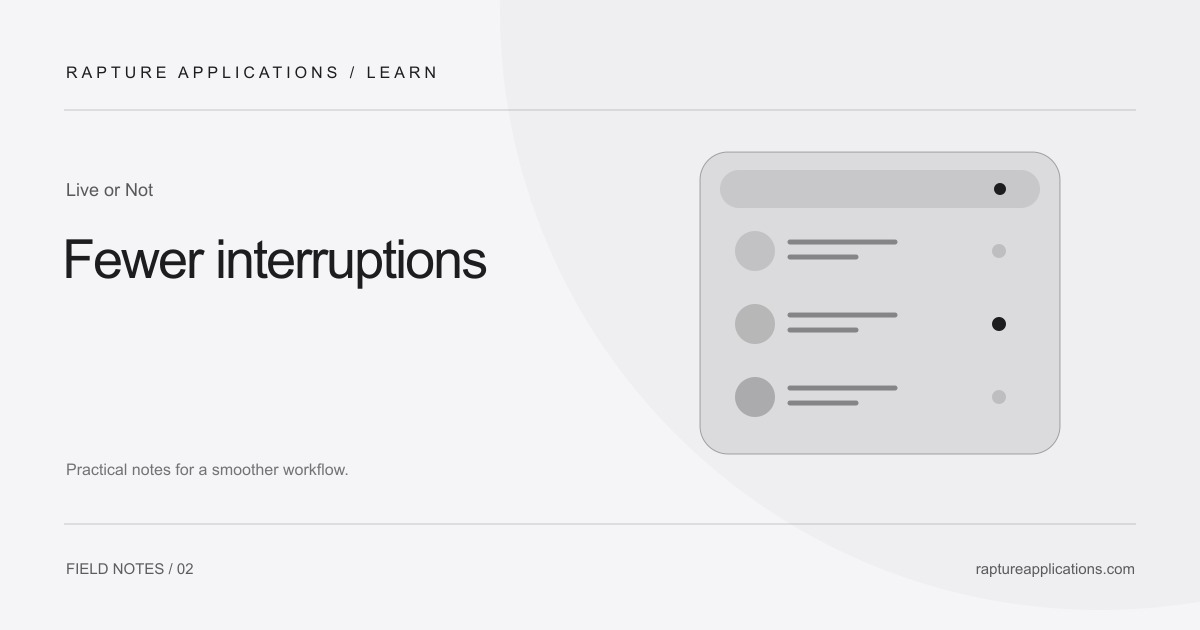
You may want to know that someone is live without receiving a prominent alert every time. Live or Not’s per-creator mute is designed for that distinction. A muted creator can still appear as live inside the menu, but does not contribute to the red live count or the attention-getting live treatment in the menu bar.
Use muting for a creator whose show you might browse during a break. Keep alerts enabled for the accounts you genuinely want to hear about. Before assuming an alert was missed, check whether that creator is muted.
An earlier arrival is an opportunity, not a guarantee
Joining near the start can give you more context: what is being shown, how the seller describes its condition, and what the show is likely to cover. Some shows may have early offers or giveaways, but an alert cannot guarantee a deal, entry, availability, or a particular outcome.
Set your own buying boundaries before opening a show. A notification should tell you that an event is happening, not make the purchase decision for you. If you are busy, it is reasonable to let a show pass.
Keep the setup easy to maintain
Once a week, glance through your watchlist. Remove creators you no longer follow and verify handles if an account has changed its name. When you need a quiet afternoon, mute the individual accounts you want to keep visible without being interrupted.
Live or Not currently supports Whatnot alerts on Mac. Keep your Mac awake and online to receive updates. Try it with the creators you already follow to see how it fits your day.