
Clip Relay
A Sony camera-to-Mac recording workflow without the card shuffle
Plan a desk-based recording workflow that keeps your camera connected, transfers original clips, and makes reviewing each take easier.
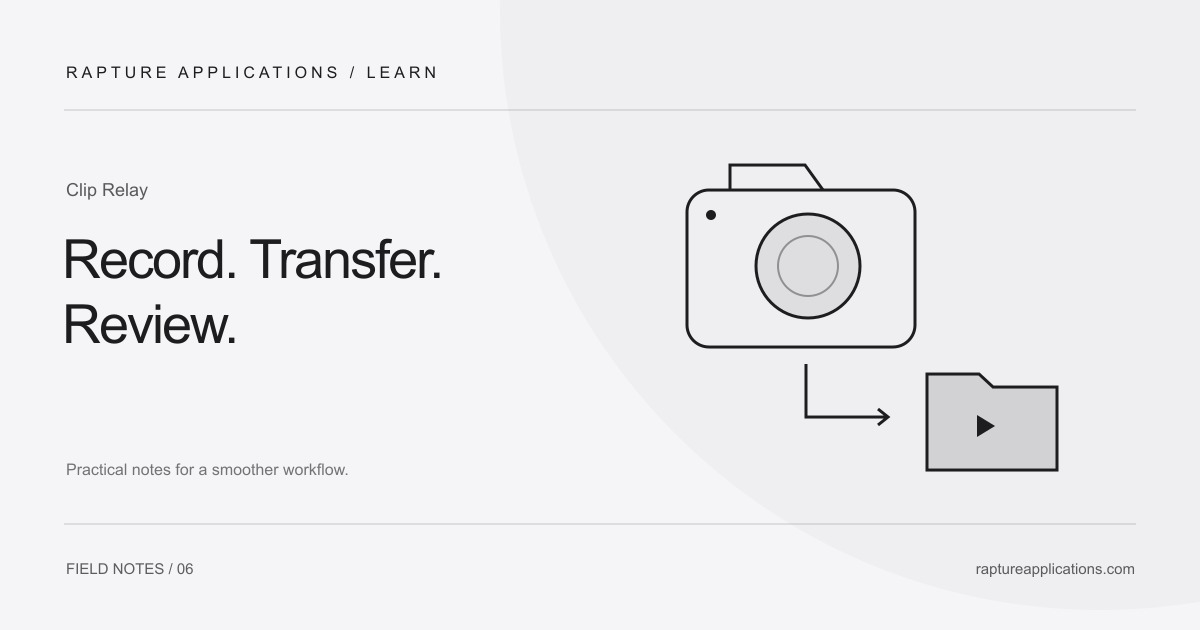
Remove the repeated handoff between takes
Recording a talking-head video often involves more than pressing Record. You finish a take, reach for the camera, move a card, copy the file, return the card, and rebuild your concentration. When your camera stays beside your desk, that transfer routine can become the most avoidable interruption in the session.
Clip Relay is designed around a connected workflow: control recording from your Mac, stop the take, and have the original clip transfer to the folder you chose. The camera remains the recording device. The app automates the handoff to your Mac after recording.
Start with a supported combination
The current Clip Relay build requires an Apple silicon Mac and macOS 14.1 or later. The Sony A7R V has been tested for recording and original-clip transfer on two Macs. A7 IV, FX2, FX3/FX3A, FX30, and a6700 support is experimental and has not been verified on physical cameras. Intel Macs and Windows are not supported in this build.
Check the supported-camera list before planning a session. If your model has experimental support, try a short recording and transfer first.
Make one short take your setup test
Connect the camera directly by USB, choose the intended destination folder, and record a short test. Stop recording and wait for the transfer to complete. Open the resulting clip on the Mac and check the picture, audio, duration, and destination before filming the real material.
Use the camera’s appropriate remote-control setup for its model and firmware. Sony’s PC Remote documentation is model-specific; a menu sequence from a different body may not match yours. Keep other camera-control software closed during your test so there is a clear owner of the connection.
Keep review and backup separate
Keep your camera originals until you have checked the transferred clips and made a backup. Open a few clips, check their picture and sound, and make sure every take is present.
For a solo session, a useful rhythm is record, transfer, review, and continue. That quick review can catch a framing or microphone problem before you repeat it for another ten takes. Clip Relay handles the transfer step; your recording and backup decisions still matter.