
RAPTURE APPLICATIONS
Choose GIFs that look good on the Stream Deck+ strip
Pick readable GIFs for a small touchscreen: simple subjects, useful crops, clear motion, and a fit setting that keeps the important part visible.
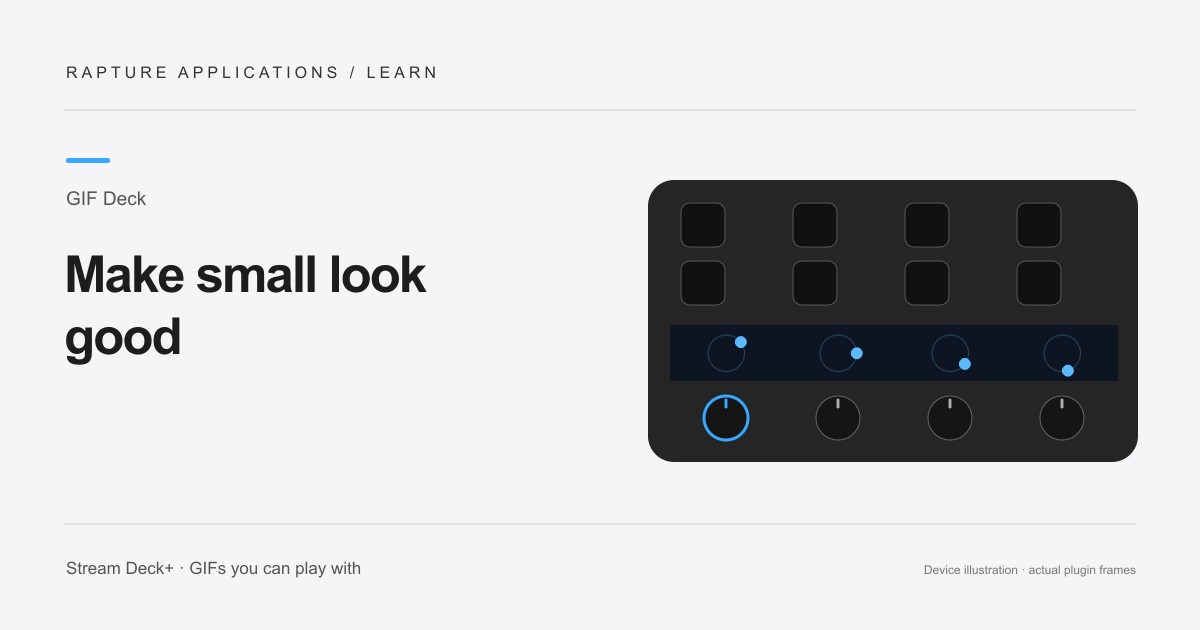
GIF Deck is coming soon to Elgato Marketplace. This guide explains the experience and how its controls work.
Start with the subject, not the resolution
A GIF that looks great in a large chat window can lose its point on a tiny display. GIF Deck uses a 200 × 100-pixel touchscreen section for each dial action. The strongest choices have one obvious subject, a clear silhouette, or a movement you can recognize without leaning toward the device.
Faces, pets, simple reactions, and bold abstract shapes are good starting points. Dense scenes and small subtitles are harder to follow. If the joke depends on reading several lines of text, choose another version with a larger subject or a simpler caption.
Match the crop to the moment
The section is twice as wide as it is tall. Fit whole GIF preserves the complete picture, which can leave unused space around a tall or square animation. Fill section / crop edges uses the whole section by cropping the image.
Use the horizontal and vertical position controls to keep a face or moving subject in view. Watch an entire loop before settling on the crop. An expression that fits perfectly in the opening frame might move out of view a second later.
Choose motion that still reads at a glance
A smooth, repeated gesture is easy to recognize at a glance. Try a wave, a bouncing shape, or a familiar expression rather than a rapid sequence of scene changes.
Try Half speed when an animation is too busy. For a decorative pattern, Ping-pong can make a forward movement return naturally. For a recognizable reaction, keep the original direction if reversing it makes the action harder to understand.
Keep a useful local collection
Choose GIF files you are allowed to use and keep your original collection backed up. Each import can be up to 4 MB and 300 frames, with additional limits for large canvases. If an import is rejected, use a smaller or shorter copy rather than assuming a larger source will look sharper on the strip.
Test your favorites at your normal desk position, then add the best ones to a playlist. The goal is a collection you enjoy seeing beside your work. A clear, well-cropped animation will usually do more for that experience than a technically impressive file with details too small to see.